A home screen worth opening
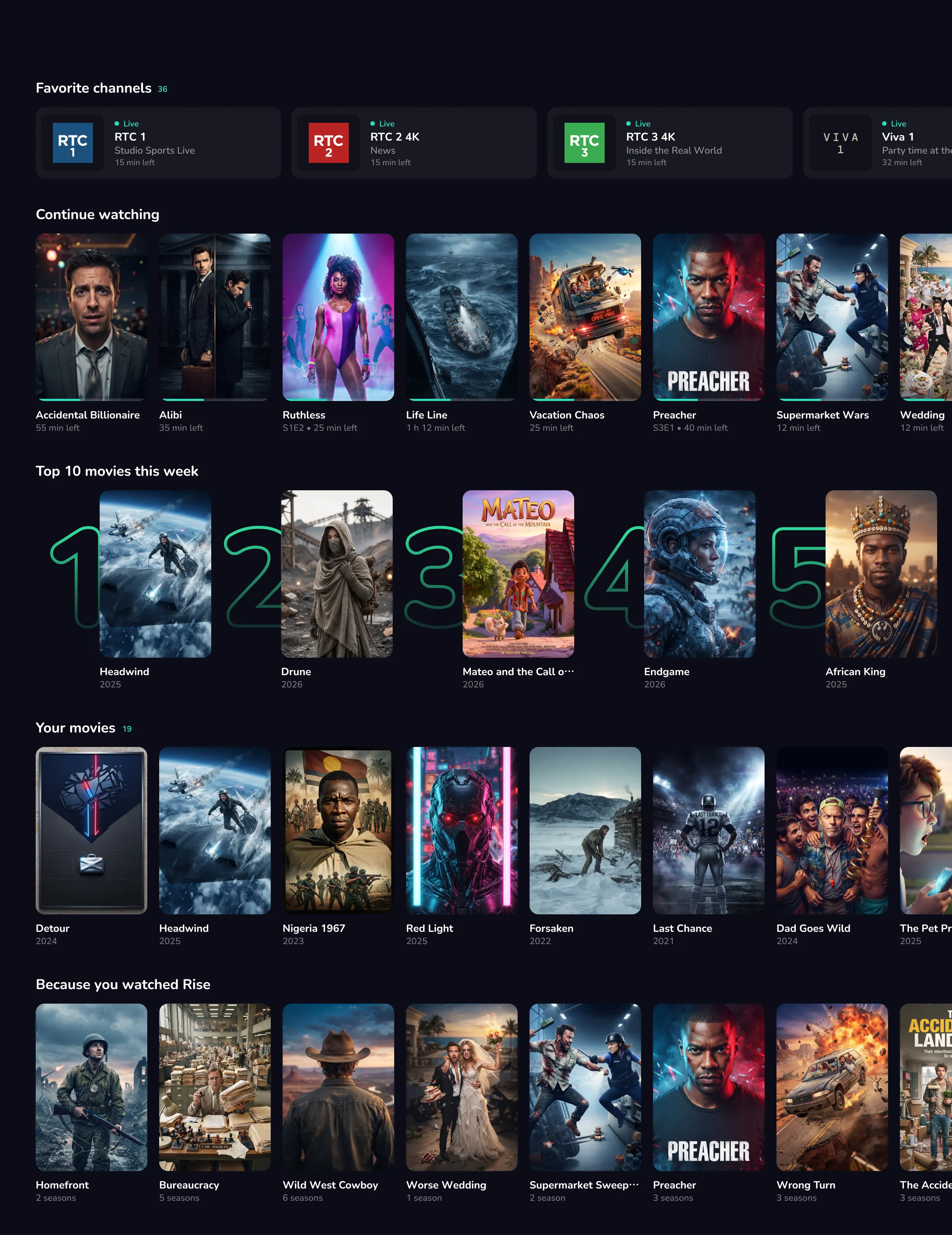
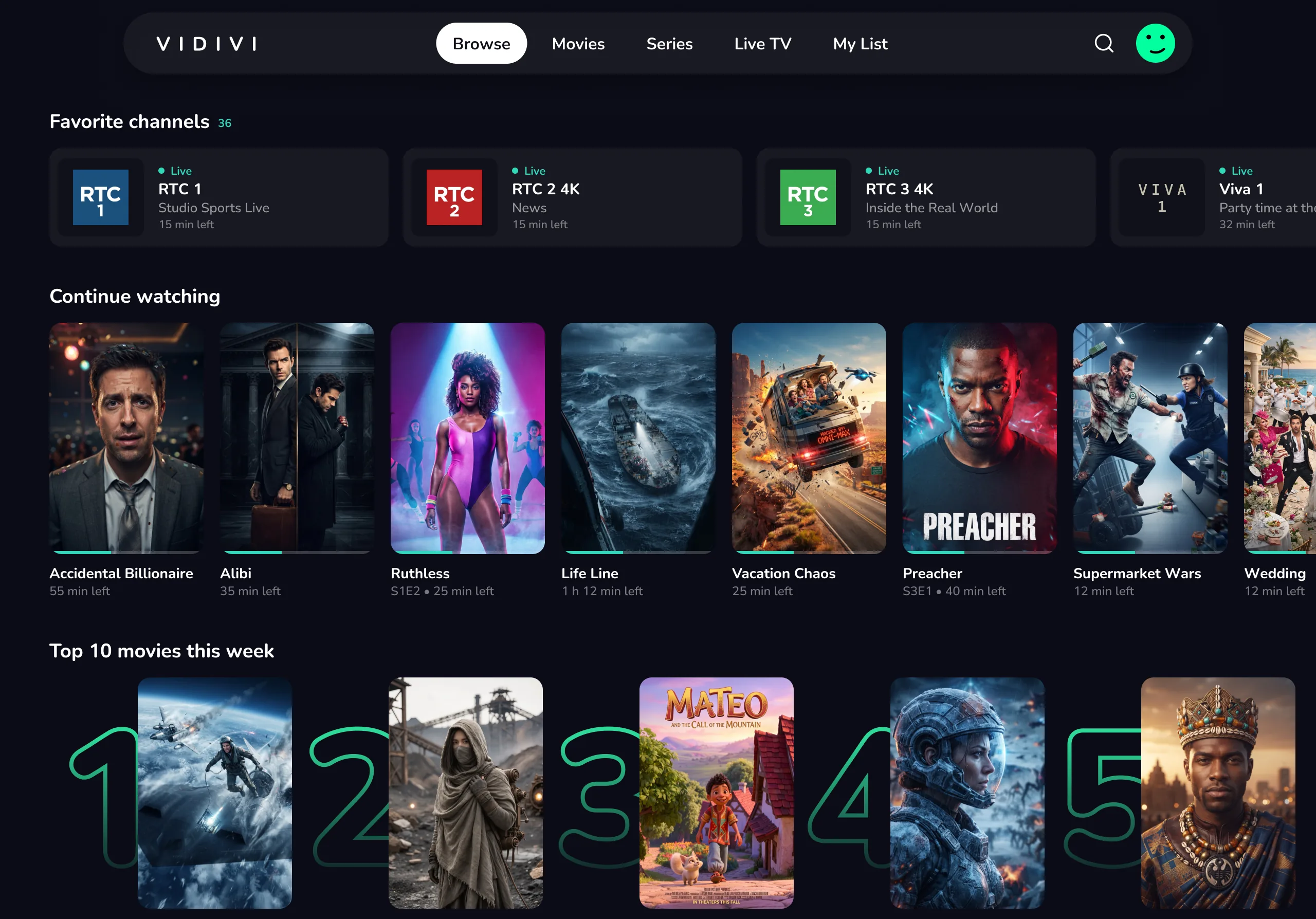
Favourite channels, Continue watching and Top 10 rows with big artwork. Finding something to watch is fun again.
Private beta for Mac, Android & Android TV
Bring the playlist you already have. Vidivi tidies the titles, adds the artwork, gives you a real TV guide and keeps every screen in sync. No account needed.
In private beta · Bring your own playlist · No account, no password
Mateo And The Call Of The Mountain2026

Version 0.23
Your media library, packaged in a UI that actually feels like a premium streaming app. No clutter. Just how it should be.
Favourite channels, Continue watching and Top 10 rows with big artwork. Finding something to watch is fun again.
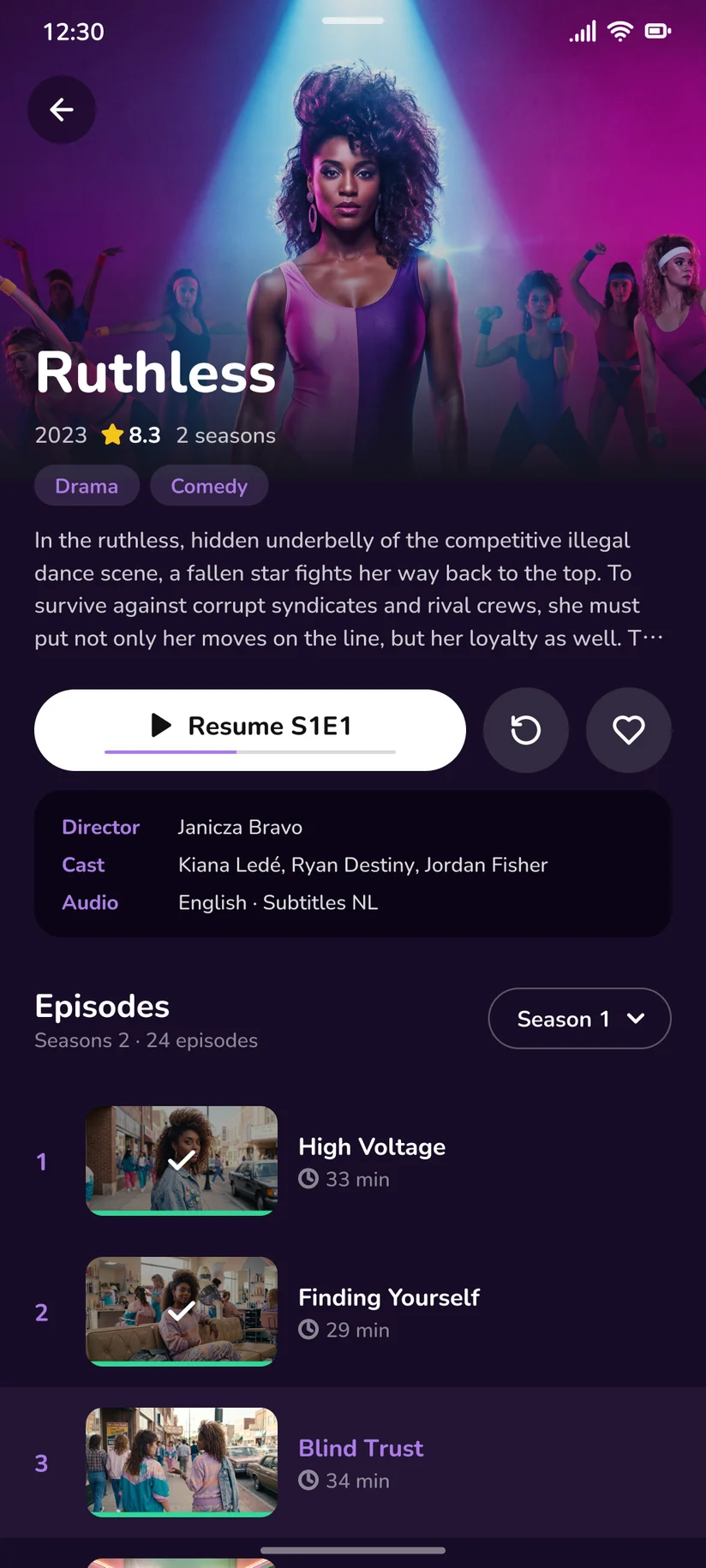
Progress per film and per episode, on every device.
Channels in tidy groups, favourites on top, and zapping that feels instant.
Kids only see what’s meant for them. Hand over the remote and enjoy the quiet.
a9f3…e2c1 · 7b04…91dd · c55e…0af8What our server sees of your dataNo account and no viewing data on our side. Sync is end-to-end encrypted with your own code, so we couldn’t read it if we wanted to.
Enter PIN for Sam
Kids profiles only show what’s suitable for them, and a 4-digit PIN keeps the rest out of reach.
With one private sync code you link all your devices. Your lists, profiles, and watch history follow you seamlessly from the big screen to your phone.
No accounts, no forgotten passwords — just secure, end-to-end encrypted syncing that keeps your data entirely private.
Vidivi has plenty under the hood, but getting started takes about a minute. Three steps and you’re watching.
Join with your email and we’ll send you the download link as soon as your spot in the beta is ready.
Paste the M3U link or Xtream Codes login from your provider, or import an M3U file.
Vidivi sorts everything into Live TV, Movies and Series, a TV guide and tracks your progress.
“Who’s watching?” is the first thing Vidivi asks. Each profile keeps its own favourites, Continue watching and settings. No extra accounts, no second app, no duplicate setup. Just your one playlist, divided the way a household actually works.
Lock any profile with an optional 4-digit PIN
Kids profiles only show content that’s suitable for kids.
Your Movies
Nothing saved yet.
Save a show or channel to your list, and bring this screen to life.
Match the app to your aesthetic in a single tap. Choose from different colour themes, and watch your profile adapt to your style. Fully synced across your setup. Try it right here.
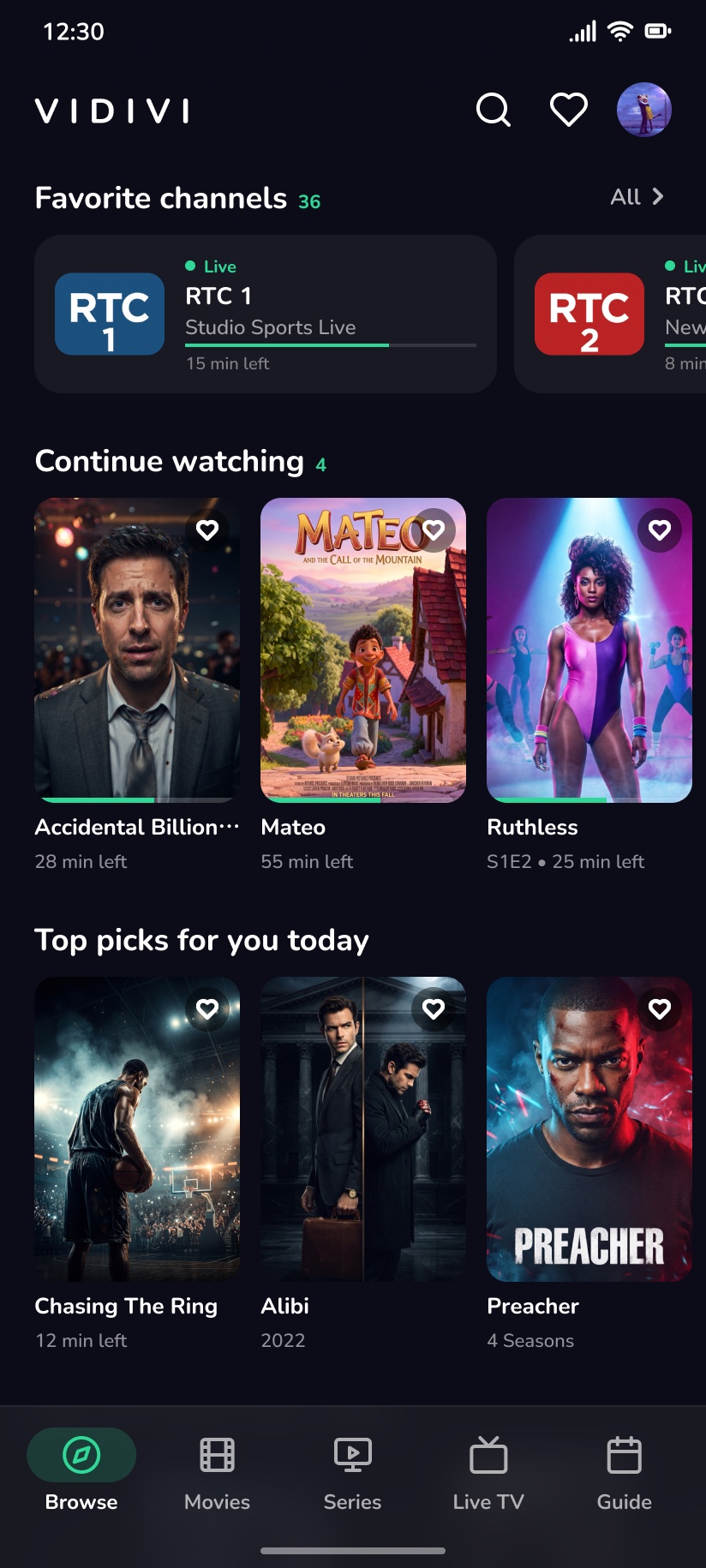
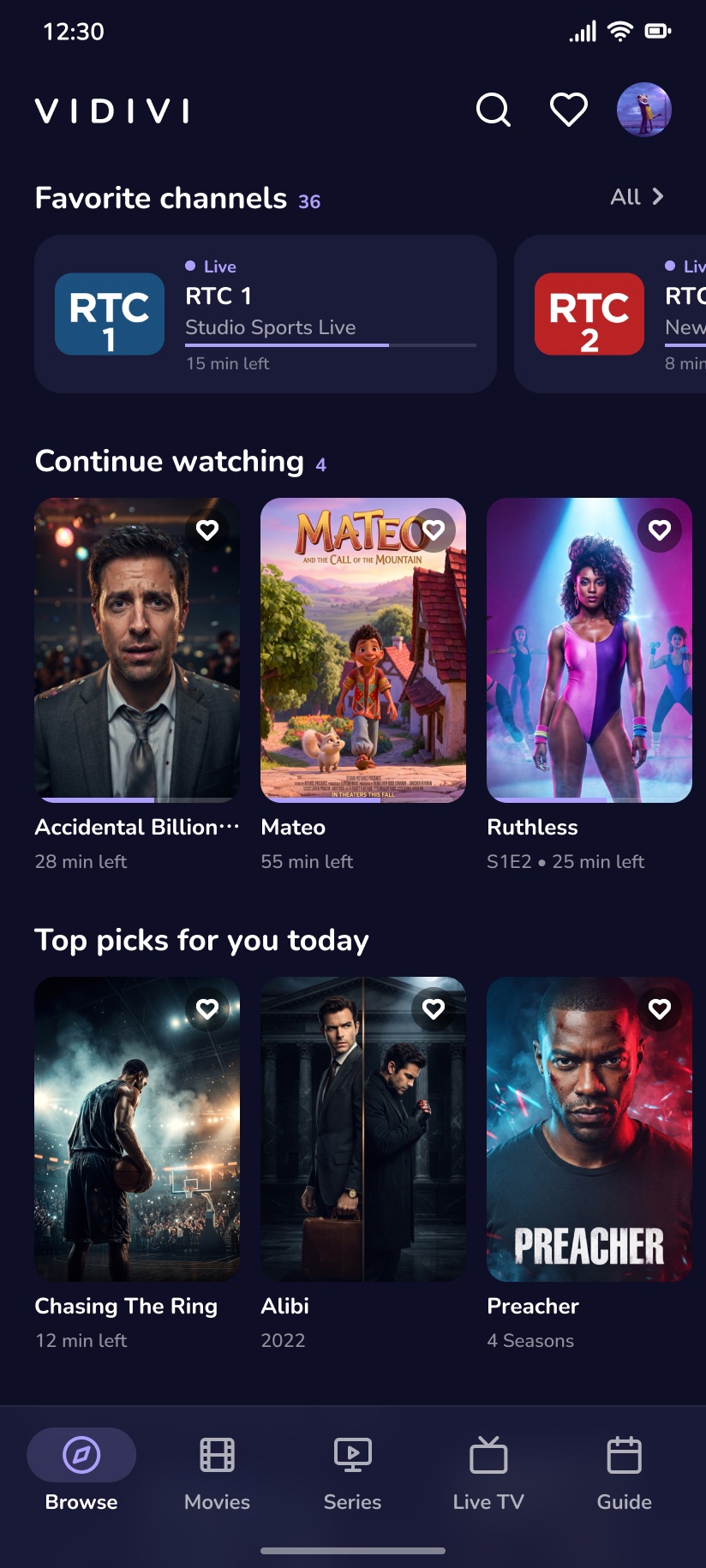
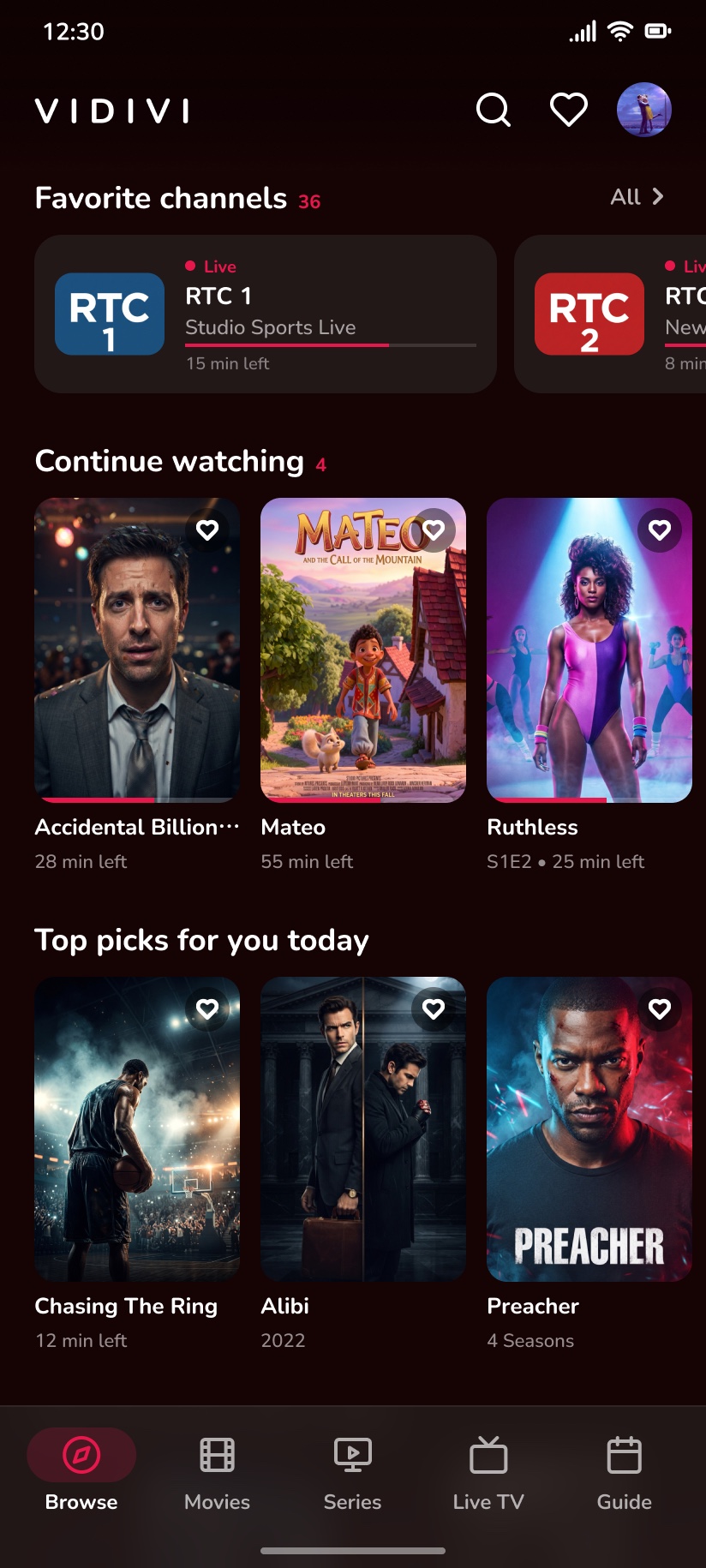
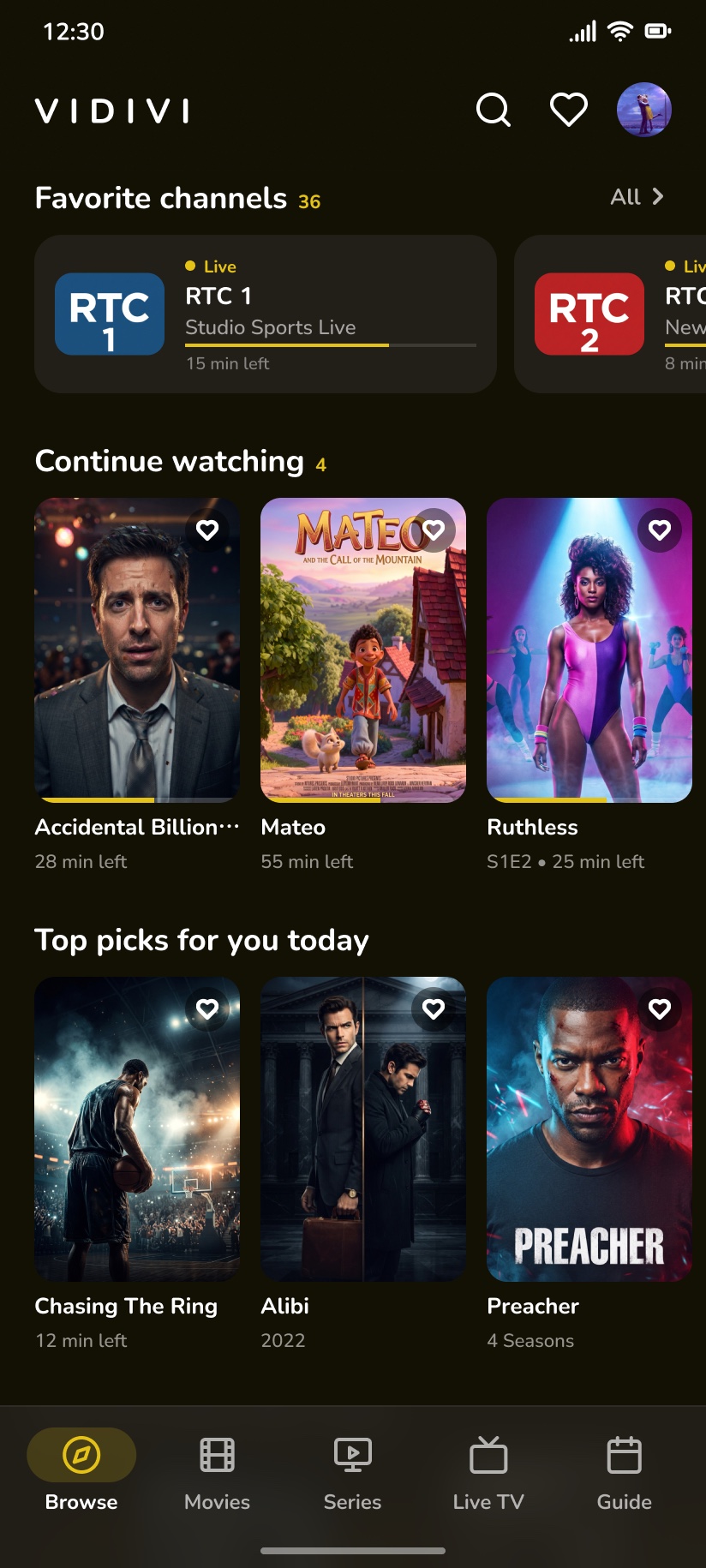
Providers love messy file names full of tags, codes, and random years. We don’t, so we simply strip the noise so your library looks the way it was always supposed to. But if you like it, customize it your way.
Unfiltered metadata titles
Crisp and clean
 Headwind
 Ruthless
 Alibi
Alibi Forsaken
Drop in your TMDB key and watch your raw list transform into a proper, polished streaming platform complete with artwork, cast details, and curated rows like Trending Today and Because You Watched.
Vidivi lays out your entire schedule hour by hour, giving you a crystal-clear look at what’s live right now and what’s coming up across all your channels.
Frontline Tonight20:00 – 21:00
The Night Brief21:00 – 22:00
Red Carpet20:00 – 20:30
Mateo And The Call Of The Mountain20:30 – 22:00
Championship Hoops: Finals Live20:00 – 22:00
Sunset Sessions20:00 – 21:30
Encore21:30 – 22:00
Native apps, built for each device. Same Vidivi, same look, same list.
Native macOS app with hardware-accelerated playback, keyboard shortcuts and real fullscreen.
For Android phones, with a compact bottom navigation and a player made for touch.
Built for the remote: big focus states and a lean-back home screen on your TV or projector.
For Samsung smart TVs (Tizen): the same Vidivi, straight from your TV’s home screen.
iPad, iPhone & tablets are on the roadmap.
M3U link, M3U file or Xtream login, all in one player.
Switch on one or more: they’re combined into one library.
Tags and clutter stripped, so titles read clean.
Posters, plots and cast with your own TMDB key.
Favourites, profiles and progress on all your devices.
Everyone at home gets their own space.
Only content that’s suitable for kids.
Lock any profile with an optional 4-digit PIN.
Now and next on a timeline you can scroll.
Channels, movies and series one click away.
Resume films and series where you stopped.
One search across channels, movies and series.
Look up an actor or actress and see what’s in your library.
Top 10 this week and Because you watched.
See who’s in it, and pick between versions of a title.
Subtitle tracks from your stream, when you want them.
Switch between the audio tracks a stream carries.
Untick what you never watch and it’s gone everywhere.
Home shows titles in your languages, in your order.
Give the app the accent colour that suits you.
Every screen works with just the d-pad.
A sync code instead of an email and password.
No ad networks, no analytics on what you watch.
Say what you’re looking for instead of typing it.
In developmentJoin the waitlist and get early access to the beta on your platform.
We only use your email to send your beta invite. The app itself needs no account.
FAQ
Everything you're wondering about before you ditch your old player.
A fast, beautifully designed media player built to give your personal playlists, M3U links, and local files the high-end streaming interface they’ve always deserved.
No. We provide the player, you provide the links. Vidivi is completely independent and does not sell, host, or curate any streams, channels, or subscriptions.
Anything you bring to the table. It handles M3U playlists, Live TV streams, VODs, and standard local video files like MKVs and MP4s.
Because most media players look like they were built in 2005. Vidivi brings a sleek, distraction-free, dark-mode UI that makes your own streams look like a multi-million-dollar platform.
Paste your M3U link or import your file, and Vidivi instantly organizes your content into a clean, searchable library. No complicated setups required.
Everything you want to stream on. (Check the download section for the full list of platforms, from mobile to your living room TV).
Vidivi is free during the beta. We’ll share pricing well before launch, and waitlist members hear first.
Yes. When your provider has no guide data, Vidivi uses public guide data for your channels where available.
Only to send you your beta invite. The app itself needs no account and no password, and your viewing data is never linked to your email.
No. Synced data is end-to-end encrypted on your device before it’s uploaded. We only store an encrypted blob we can’t open, separate from your email address.
More questions? Contact here